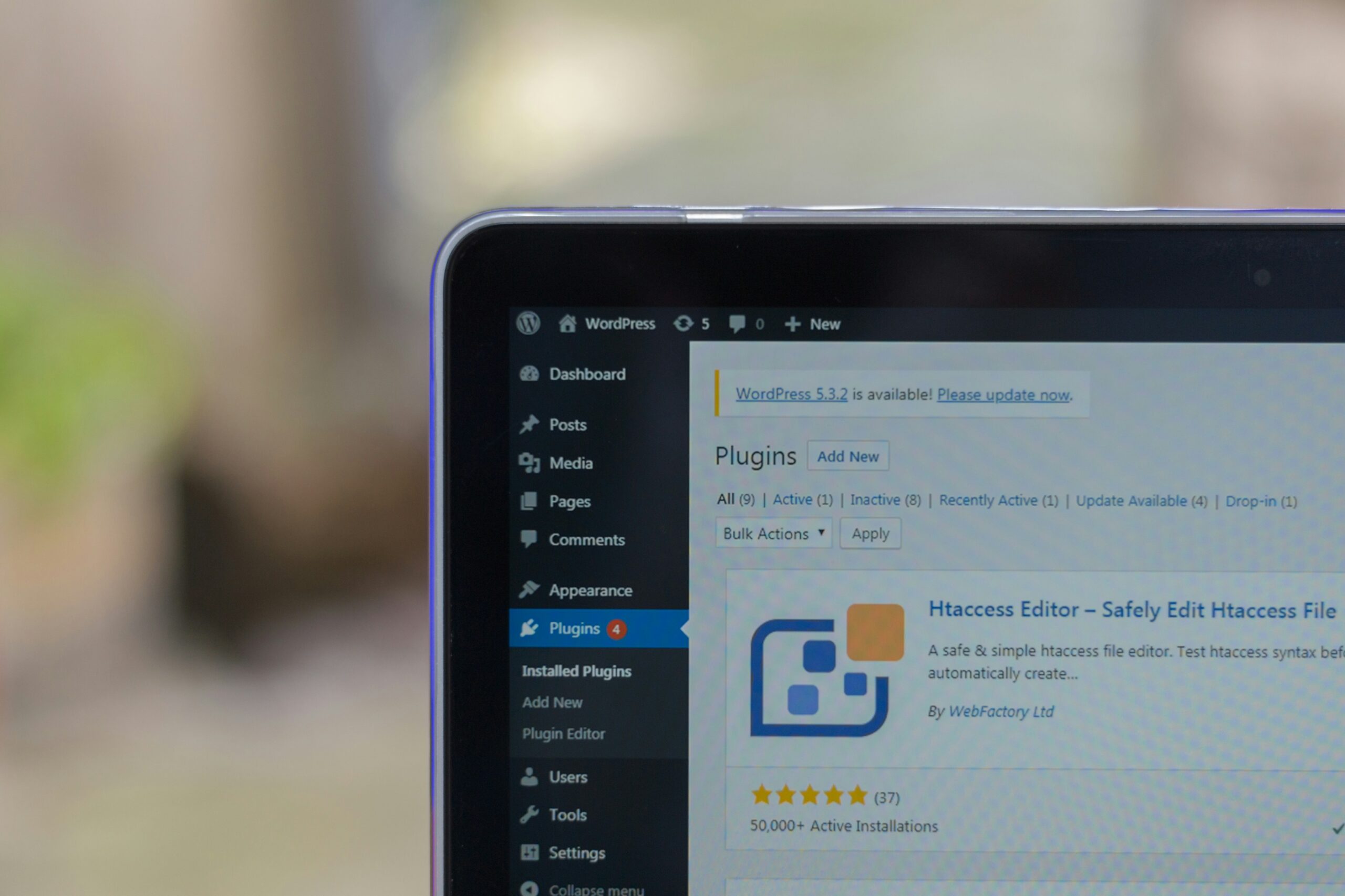
Risks of WordPress Plugins
Ready-made WordPress plugins can be useful, but relying on too many of them can create performance, maintenance, security, and scalability risks for business websites.
Plugins are one reason WordPress is so flexible. They can add features quickly and solve specific problems without building everything from scratch.
The risk starts when ready-made plugins become the foundation for every small feature instead of being planned as part of a sustainable custom WordPress development approach.
Why plugins become attractive
Ready-made plugins are attractive because they are fast to install and often cheaper at the beginning. For simple needs, they can be the right choice.
- They solve immediate problems
- They reduce initial development work
- They provide many ready-made features
- They can make a site faster to launch
The problem is not the first plugin. The problem is what happens when every new need becomes another plugin.
Plugin overload
Plugin overload happens when a website depends on too many ready-made tools that were not planned to work together as one system.
- Several plugins may overlap
- Scripts and styles can be loaded unnecessarily
- Settings become harder to manage
- Troubleshooting becomes slower
- The website becomes harder to maintain
This is one reason WordPress sites can become difficult over time. Related reading: Why WordPress Websites Become Hard to Maintain.

What plugin issue feels most familiar?
Worried your WordPress setup is becoming too plugin-dependent?
Tell us what feels fragile, and we’ll help you understand whether the structure needs improvement.
Performance and update risks
A slow WordPress site is often not caused by one plugin, but by the combined weight of many small decisions. Ready-made plugins can load scripts, styles, background processes, and features that are not needed on every page.
Updates can also become risky. Plugins are built by different developers, updated at different times, and may not always work cleanly together.
Workflow risks
Plugin risk is not only technical. It can also affect how the business works day to day.
- Separate calendars that do not communicate
- Forms that require manual copying
- Disconnected booking or payment tools
- Multiple dashboards for one customer journey
When tools do not communicate, the website creates work instead of reducing it.
Custom functionality vs ready-made plugins
Custom functionality is not automatically better for every case. Ready-made plugins can still be useful. But when a feature is central to the business workflow, it often needs to be planned more carefully.
This is where WordPress architecture matters. A cleaner structure can reduce plugin dependency and make the site easier to maintain. Read more in WordPress Architecture for Business Websites.
 WordPress Maintenance Explained
 A WordPress website should not be treated as something that is finished forever…
WordPress Maintenance Explained
WordPress Maintenance Explained A WordPress website should not be treated as something that is finished forever…
 Website Speed and Business Performance
 Website speed is not only a technical detail. It affects trust,…
Website Speed and Business Performance
Website Speed and Business Performance Website speed is not only a technical detail. It affects trust,…
 When Should You Redesign Your Website?
 A website redesign should not be based only on how…
When Should You Redesign Your Website?
When Should You Redesign Your Website? A website redesign should not be based only on how…
 Content Structure and SEO Visibility
 More content does not automatically mean better SEO. Google visibility depends…
Content Structure and SEO Visibility
Content Structure and SEO Visibility More content does not automatically mean better SEO. Google visibility depends…
 When a Business Outgrows Its Website
 A website can still work technically and still be too…
When a Business Outgrows Its Website
When a Business Outgrows Its Website A website can still work technically and still be too…
 Ecommerce Structure That Drives Sales
 More traffic does not automatically create more ecommerce sales. The structure…
Ecommerce Structure That Drives Sales
Ecommerce Structure That Drives Sales More traffic does not automatically create more ecommerce sales. The structure…